
The visual infrastructure for construction projects across Canada.
Monitor, document and showcase your projects in Quebec and across Canada with one complete solution: autonomous timelapse cameras, the TEYE platform, live viewing, privacy protection, professional timelapse films and AI modules.
TRUSTED BY LEADING ORGANIZATIONS











A complete solution, from the jobsite to your screen
ERIGE controls the complete visual data chain to ensure the reliability and security of your construction project data.
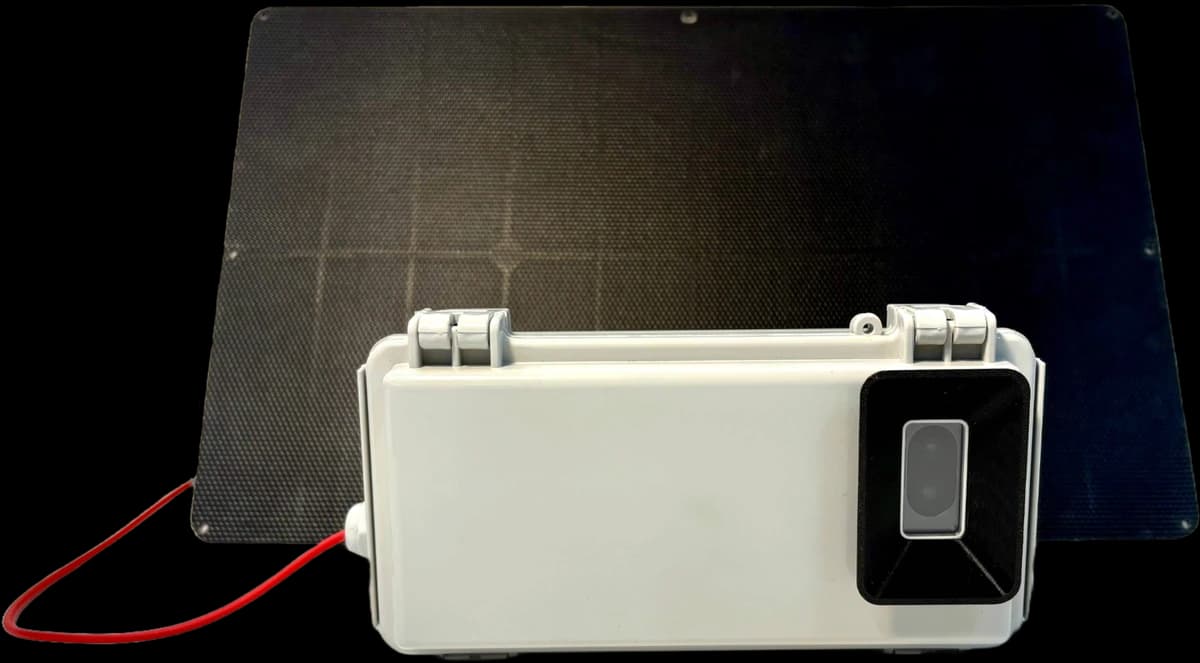
Construction Timelapse Cameras
Deployment of autonomous construction timelapse cameras (solar, 4G, IP66) designed for demanding site conditions. Installation by our trained technicians.

TEYE Platform
The software control center for viewing, comparing, annotating and sharing your project visual history with granular access rights.
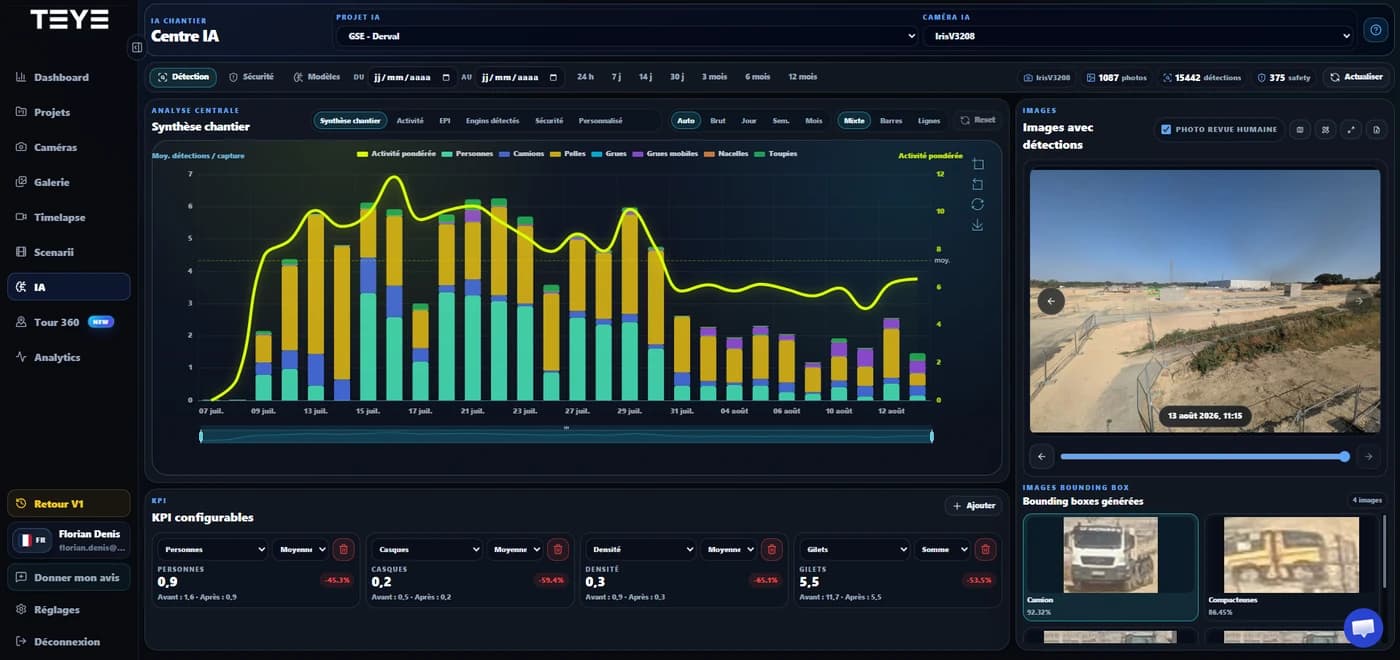
IA & Smart Monitoring
Image-analysis algorithms that support health and safety prevention (PPE detection), logistics monitoring and privacy protection through automatic blurring.
Visual data that turns construction monitoring into a decision-making tool.
ERIGE does more than produce great images. The TEYE platform allows your teams to verify, compare, document and share the right information at the right time: construction management, owners, health and safety, communications or steering committees.
Check progress without travelling to site
View the latest site images in TEYE and confirm progress without unnecessarily sending teams to the jobsite.
Find a date, time or project phase
Go back in time to verify a delivery, booked activity, intervention or key phase before concrete placement.
Keep usable visual evidence
Archive surrounding conditions, substrates or sensitive areas to document decisions and help reduce disputes.
Share a clear view with a stakeholder
Select an image, add context and send a secure link to a subcontractor, consultant or client.
Compare two phases of the same project
Compare two dates to visualize actual progress, prepare a meeting or objectively document a delay, rework or advancement.
Turn progress into premium content
Produce a timelapse sequence for a committee, investor, business meeting or corporate communication.
TEYE Platform
One interface to centralize images, compare phases, share useful views and produce your timelapse content.
One platform, tailored to every project role
Each project stakeholder uses visual data differently. ERIGE structures the information so it is useful to everyone.
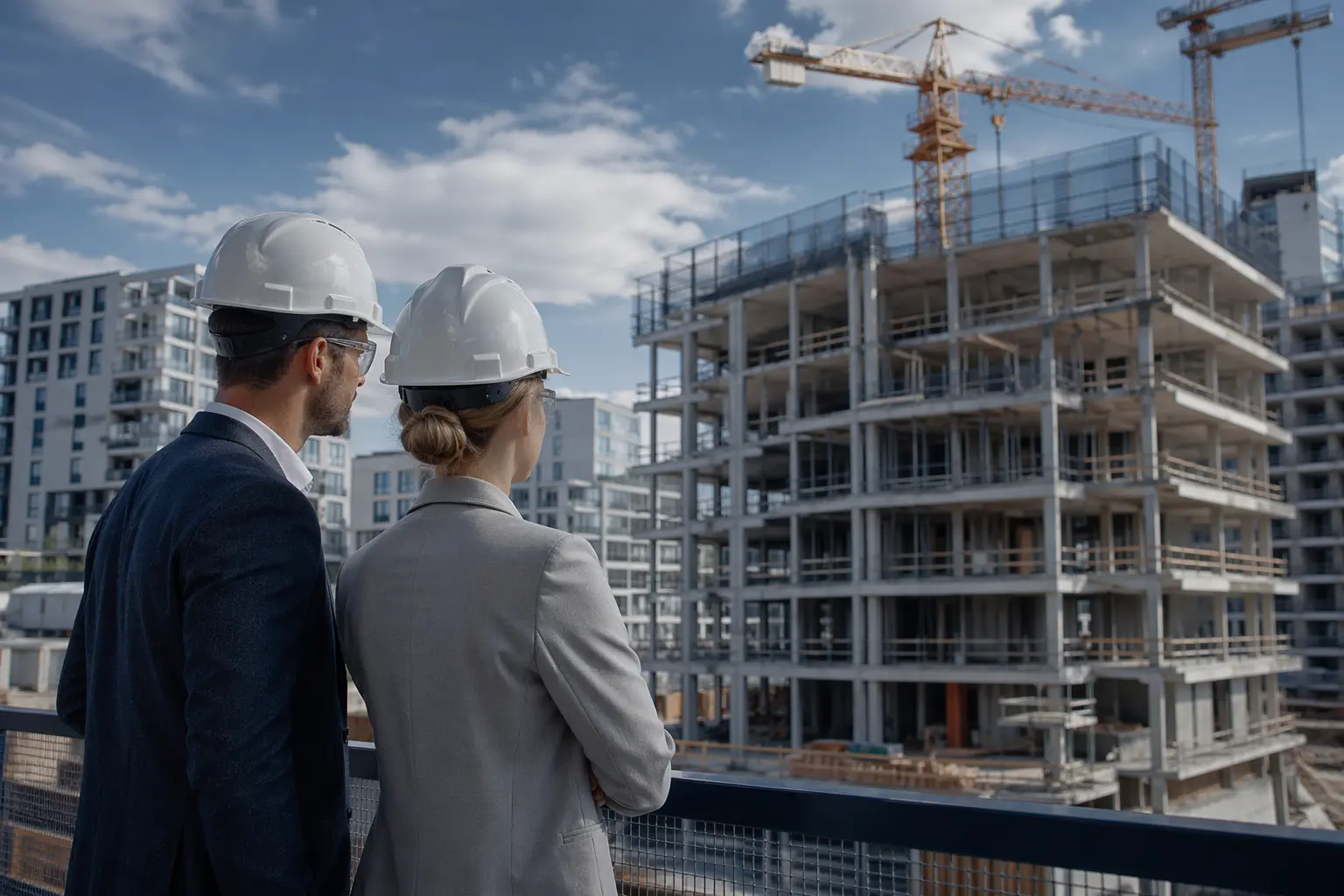
Developers & Investors
Need clear progress visibility to reassure buyers and validate funding milestones.
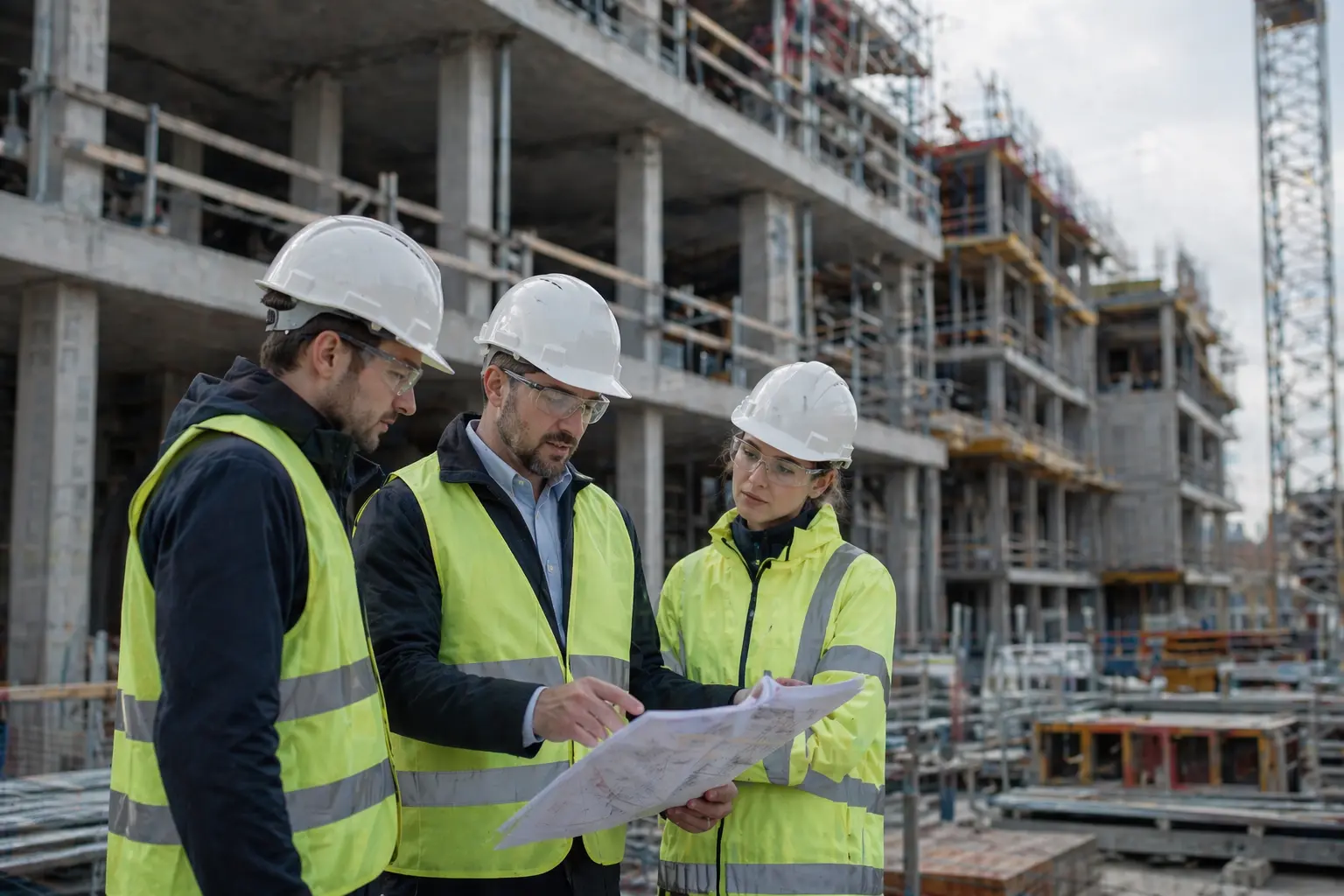
General Contractors
Need to document execution, coordinate subcontractors and strengthen project records.
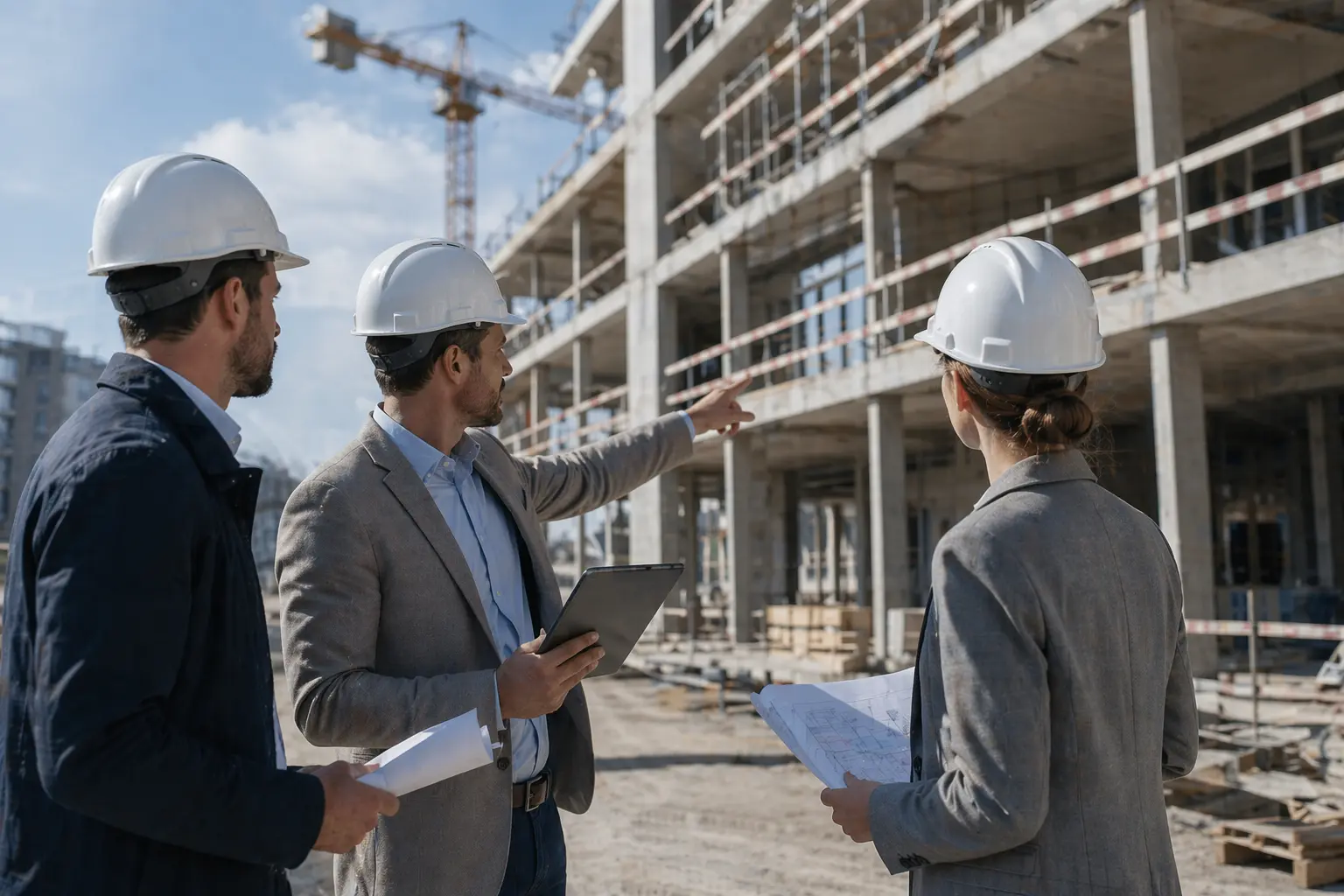
Project Consultants
Need to verify work status and prepare construction meetings efficiently.
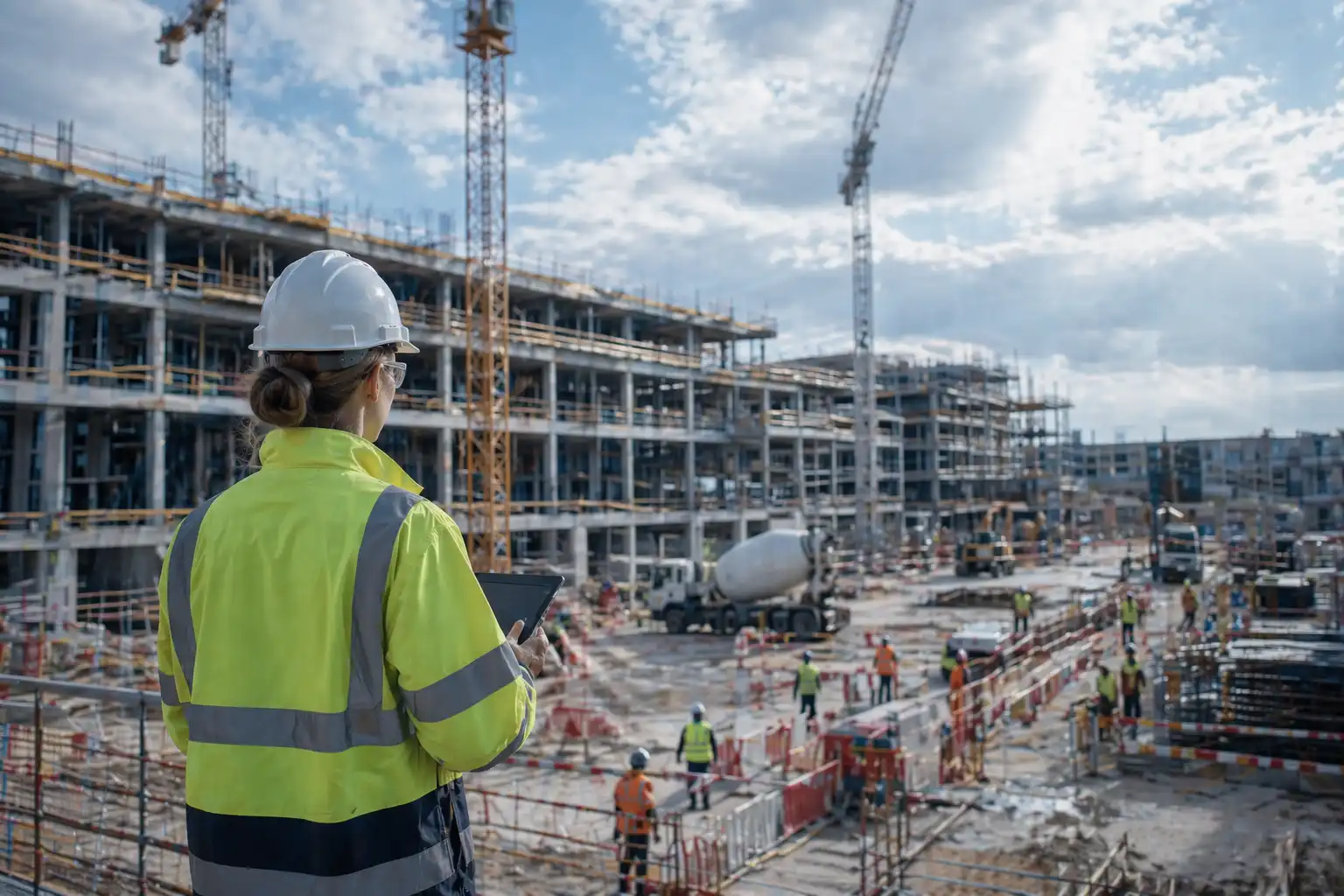
Health & Safety
Need to identify risk areas and support compliance with safety rules across large jobsites.
Frequently asked questions from decision-makers
What clients ask us before deploying ERIGE.
How long does it take to deploy a system on site?
How does privacy blurring work?
Who owns the captured images?
Does AI replace health and safety teams?
Can ERIGE be used only for communications?
Ready to equip your next project?
Tell us about your project. Our team will recommend the right capture setup and show you the TEYE platform.